
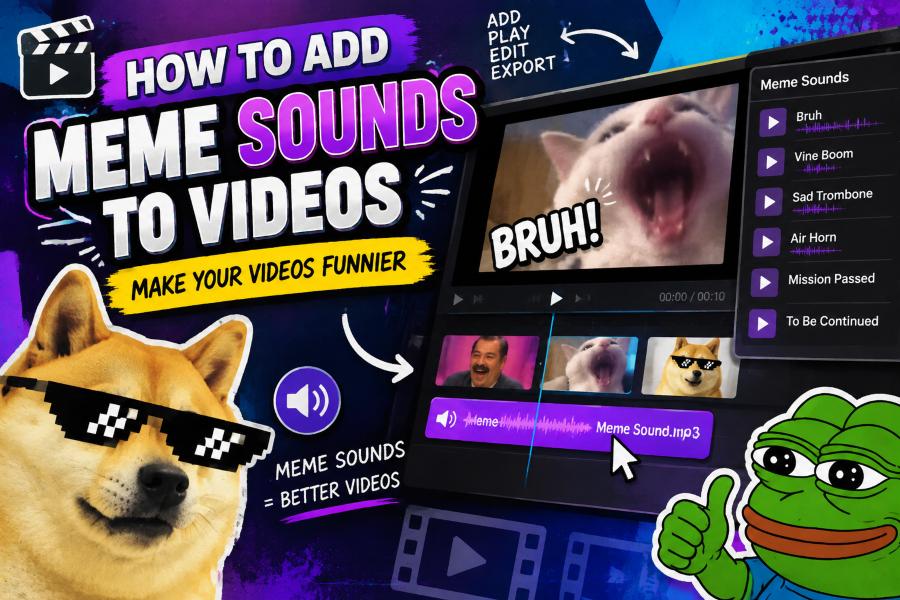
Learning how to add meme sounds to videos can turn an ordinary clip into a punchline people want to replay and share. A well-timed vine boom, record scratch, or dramatic sting helps viewers understand the joke instantly.
Meme audio works best when it supports the visual instead of competing with it. The right sound can emphasize an awkward pause, a surprise reveal, a failed attempt, or an exaggerated reaction.
You do not need advanced editing experience to use these effects. Most video editors let you import audio, trim it, adjust volume, and place it precisely on the timeline.
The key is choosing recognizable sounds, using them sparingly, and checking that you have permission to use the audio on the platform where you publish.
Start by deciding what moment in your video deserves extra emphasis. Meme sounds are most effective when they arrive at a clear visual beat, such as a sudden fall, a confused expression, or an unexpected result.
Next, find a sound that matches the tone of your content. A cartoonish effect may suit a playful short video, while a dramatic orchestral hit can make a minor event feel hilariously important.
Save the sound from a licensed sound library, a platform audio collection, or an original recording. Avoid downloading random clips without checking whether they are protected by copyright or restricted by the app.
Import the audio file into your editor and drag it below the video track. Zoom into the timeline so you can align the beginning of the sound with the exact frame where the joke lands.
Finally, preview the edit with headphones and on a phone speaker. If the effect is too loud, too long, or slightly late, trim it and lower the volume until it feels natural.
How Do You Add Meme Sounds to a Video?
Choose the comedic moment
Watch your footage before adding any audio and identify the moment that needs a reaction. A meme sound should underline a visible action or emotion, not create confusion where no joke exists.
Select a suitable audio clip
Pick a sound viewers can recognize quickly and that fits your audience. Short effects such as applause, a fail horn, a gasp, or a dramatic boom are usually easier to place than long dialogue clips.
Use a reliable sound source
Look for clips in your editing app's audio library, royalty-free sound services, or creator-approved collections. Platform-provided sounds are often the simplest choice for social posts because they may include usage options inside the app.
Import the sound into the editor
Open your project and upload or add the audio file to the media panel. Then place it on an audio track beneath the video so you can edit it independently from spoken audio and music.
Match the sound to the frame
Move the audio clip until its strongest beat starts exactly when the visual payoff occurs. Zooming into the timeline helps you place a sound effect on a reaction, impact, transition, or reveal with greater accuracy.
Trim unwanted audio
Cut away silence, repeated phrases, or a long ending that slows the pace. Most meme sounds become funnier when the audience hears only the recognizable portion and the video moves on immediately.
Balance volume and export
Lower the meme sound enough that it does not bury dialogue, captions, or background music. Preview the completed video, make final timing adjustments, and export it in the format recommended by your target platform.
Five Timing Rules for Meme Audio
1. Place the sound effect at the exact visual payoff instead of several seconds before or after it.
2. Leave a brief pause before a major reaction sound when the silence makes the punchline stronger.
3. Use one primary meme sound per joke so multiple effects do not overwhelm the viewer.
4. Cut the audio immediately after its recognizable moment to maintain a quick video pace.
5. Preview the sequence repeatedly because even a fraction-of-a-second timing change can improve the joke.
Best Practices for Shareable Sound Edits
- Keep it relevant:: Choose audio that reinforces the action, reaction, or message already visible in the clip.
- Prioritize clarity:: Make dialogue and important narration easy to hear by reducing the effect volume when necessary.
- Use captions:: Add captions for spoken jokes so viewers can follow the video even when they watch without sound.
- Check licenses:: Review the usage terms for every sound before posting commercial, sponsored, or cross-platform content.
- Match the platform:: Use vertical framing and fast pacing for short-form feeds, while allowing more setup for longer videos.
- Avoid overediting:: Too many sounds, transitions, and visual effects can make a simple joke harder to understand.
- Test the final version:: Watch the video on both headphones and phone speakers to catch volume or timing problems.
Ways to Make Meme Sounds Work Better
Build a small sound library
Create folders for reaction sounds, transitions, fail effects, crowd noises, and dramatic stings. A tidy personal library speeds up editing and helps you avoid using the same clip in every video.
Match audio to your brand voice
Creators and businesses should choose sounds that suit their established personality. A playful brand may use light effects, while a professional educational channel may prefer subtle, familiar audio cues.
Layer sound with background music
Background music can make meme audio feel more polished, but it should remain low enough for the effect to stand out. Use volume keyframes to briefly lower the music whenever the meme sound plays.
Add visual context
A sound is more memorable when viewers can see why it happened. Pair it with a facial reaction, a quick zoom, on-screen text, or a clear action so the joke works even for people unfamiliar with the meme.
Respect copyright and platform rules
Popular audio clips may trigger claims, muted posts, or limited reach, especially on monetized content. Check the rules for each platform and consider royalty-free alternatives when you need more reliable publishing rights.
Use sound effects for transitions
Meme sounds are not limited to punchlines. A whoosh, pop, rewind, or abrupt record scratch can make a scene change feel intentional and keep viewers engaged between separate clips.
Review audience response
Track watch time, rewatches, comments, and shares after publishing. If viewers respond well to a certain editing style, use that insight while still varying your audio choices to keep future videos fresh.
Knowing how to add meme sounds to videos is mainly about timing, tone, and restraint. A short, recognizable effect can make a simple moment much more entertaining.
Choose audio from trustworthy sources, place it precisely on the timeline, and keep its volume balanced with speech and music. These small editing choices make the result feel intentional instead of distracting.
Experiment with different sounds and review each edit before posting. As you learn what makes your audience laugh, you can build a repeatable style that makes your videos more memorable and shareable.
FAQs About how to add meme sounds to videos
What app can I use to add meme sounds to videos?
Many mobile and desktop editors support imported audio, including CapCut, iMovie, Adobe Premiere Pro, Canva, and platform-native editors. Choose one with an easy timeline and separate audio controls.
Where can I find meme sounds for videos?
You can find them in editing app libraries, social media sound collections, royalty-free audio sites, and licensed creator resources. Always check the terms before using a sound outside its original platform.
How loud should a meme sound be?
Set the effect loud enough to be understood but not so loud that it distorts or covers dialogue. The ideal level depends on the mix, so test it on headphones and phone speakers.
Can I use meme sounds on YouTube?
You can add sounds to YouTube videos, but copyrighted clips may receive Content ID claims, restrictions, or monetization changes. Licensed or royalty-free alternatives are safer for long-term publishing.
Why does my meme sound feel out of sync?
The audio may start too early or too late compared with the key video frame. Zoom into the timeline, move the clip in small increments, and preview the moment several times.
Should I add captions when using meme sounds?
Yes, captions improve accessibility and help viewers understand spoken context when their sound is off. They also make the joke clearer when the meme sound is unfamiliar to part of your audience.